|
Note: DriverMax only works on Windows Vista, Windows XP and
Windows 2003 (all service
packs).
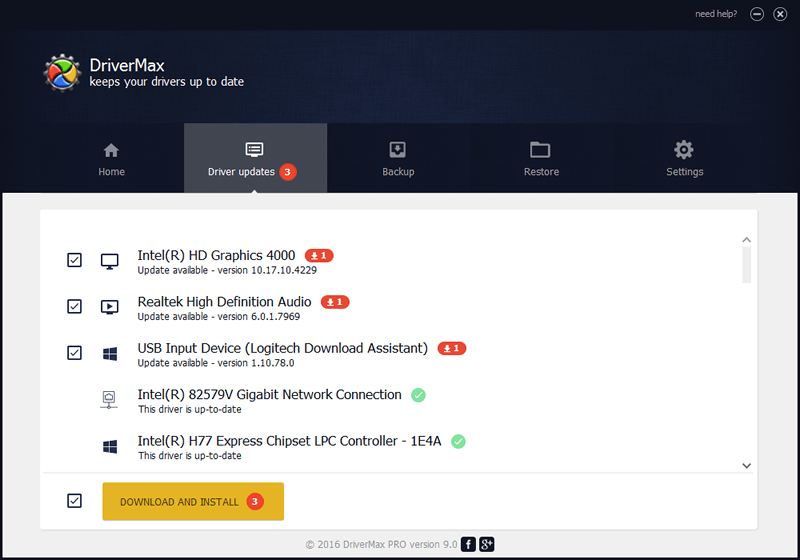
DriverMax is a new program which allows you to easily reinstall all your
Windows drivers. No more searching for
rare drivers
on discs or on the web or inserting one installation CD after the other.
Simply export all
your current drivers (or just the ones that work ok) to a folder or a
compressed file. After reinstalling Windows you will have everything in
one place!
Most of the situations when
Windows is running slower are caused by faulty driver installations.
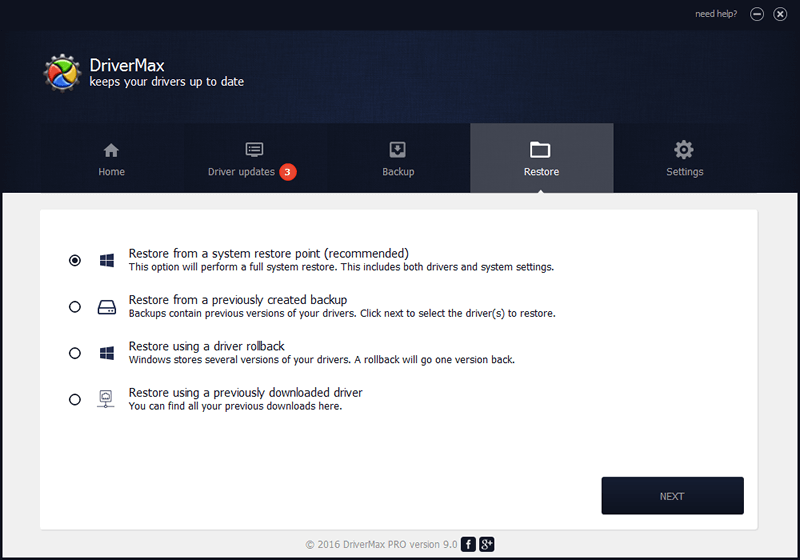
Windows stores all versions of older drivers just in case you want to go
back; sometimes it messes up older versions with more recent ones. The
Export Wizard will only export the drivers you select by copying the
needed files to a folder or a compressed ZIP file.
After reinstalling Windows all
drivers will be back in place in less than 5 minutes - sparing you of
searching, inserting disc after disk and losing precious time.
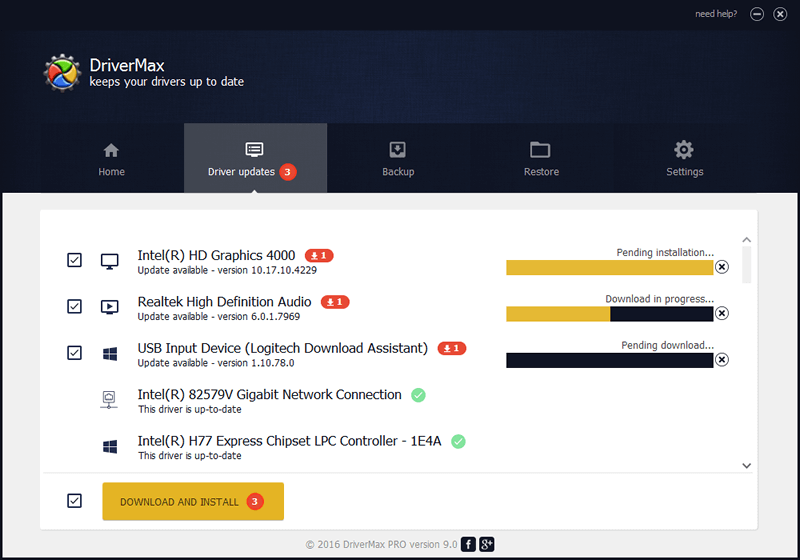
The Import Drivers wizard allows you to install all the drivers that you
exported earlier. The entire operation might take up to 5-10 minutes.
Just one single
computer restart will be required after all drivers are reinstalled!
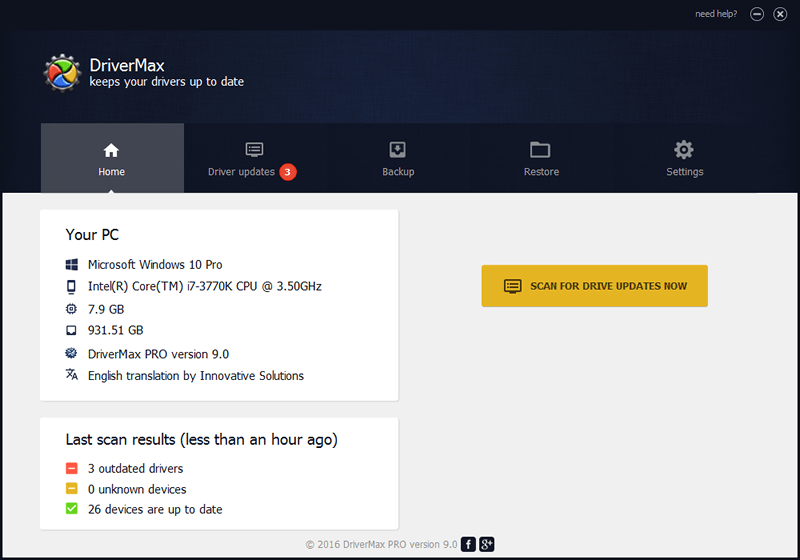
DriverMax is able to display a complete report of all drivers (versions,
release dates) installed on your system. This feature can also be very
useful when
you want to analyze the differences between the drivers installed on different machines.
Click here for more detailed information
Important:
Users that are using email accounts on the following servers might not
be able to receive their free registration codes. More than this, we can not reply their
e-mails either. Their mail servers are rejecting all messages sent by our company. It is not our fault,
please contact them and let them know about this if you want to receive
the codes. The following servers are affected:
- worldnet.att.net
- att.net
- freenet.de
- mail.ru
- yandex.ru
|